How to Import or Export Bookings via iCal
- Owner Resources
- Owner's Console Guides
- How To Import Or Export Bookings Via Ical

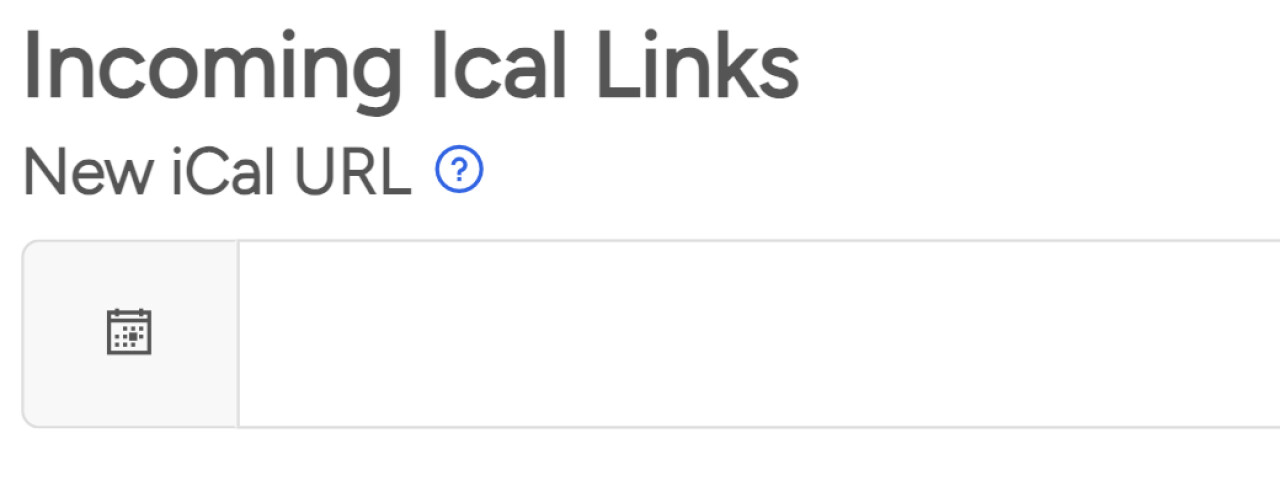
Import an iCal link
If you wish to import your calendar you’ll see a link under this heading
Copy the link from the alternate site and then paste it in the ‘new iCal URL’' box.
Click ‘Save’ and it will import it. It can take up to 20 minutes to sync. You’ll need to do this for each property.
Export an iCal link
If you wish to export your calendar you’ll see a link under this heading

It should start with https://www.simplyowners.net/ical
Please copy this link and paste it into their site. You’ll need to do this for every property.